Fresh Air When the Room Needs It
with AirSmart EcoConnect

On the roadmap: heat pump control by infrared, not in the first release

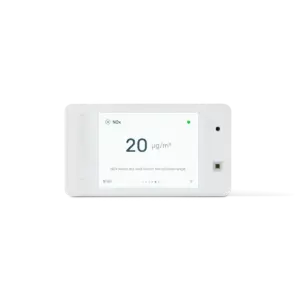
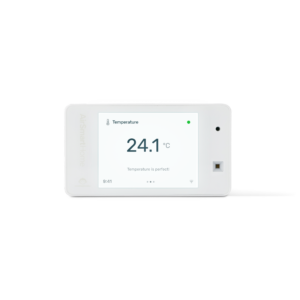
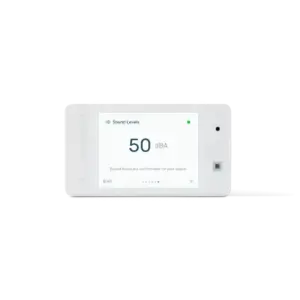
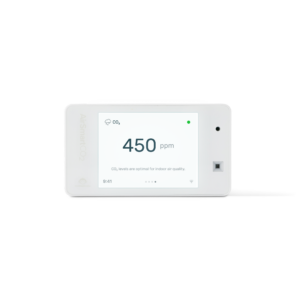
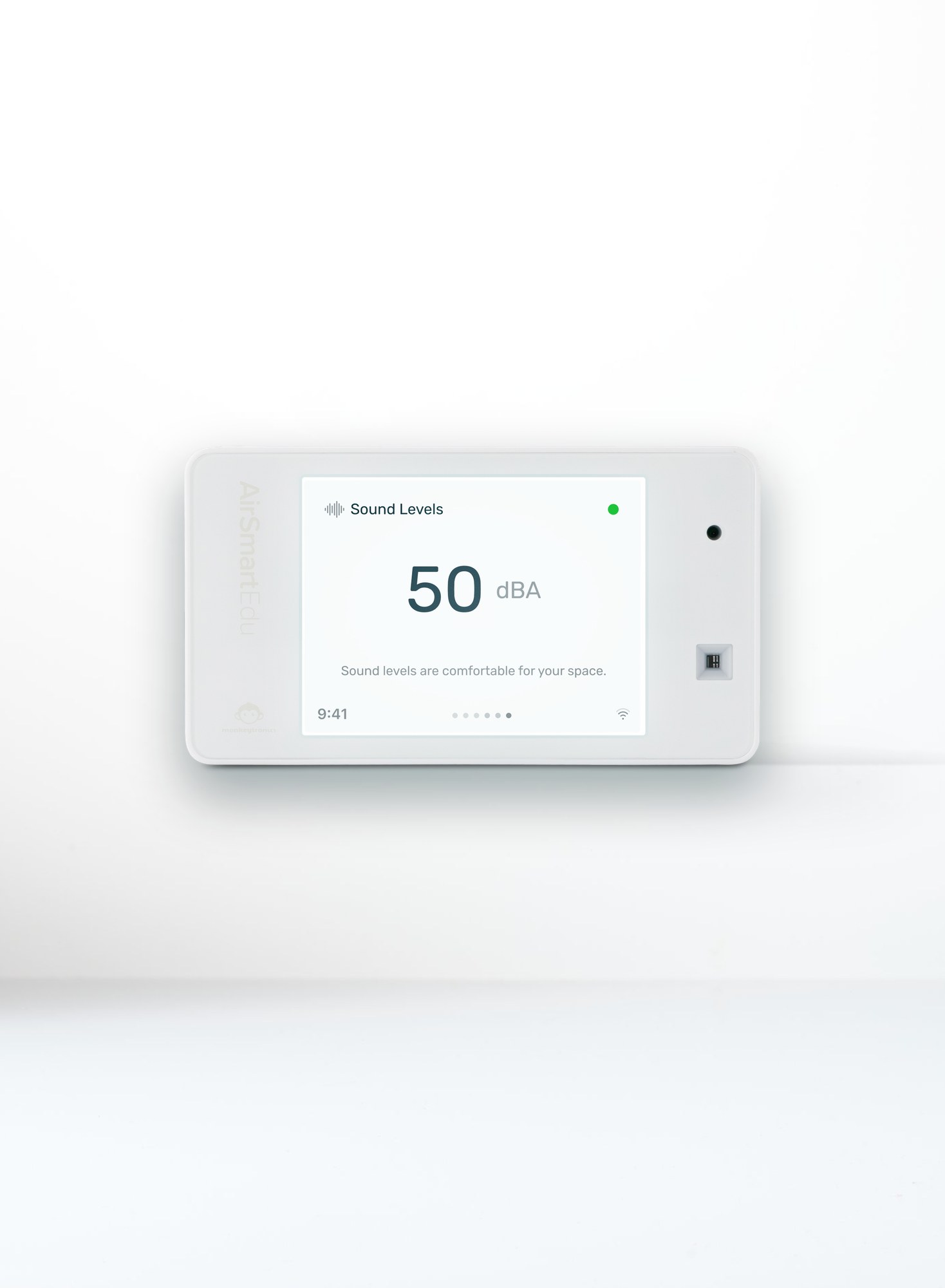
Real-time data for CO₂, temperature, humidity, lighting and sound levels

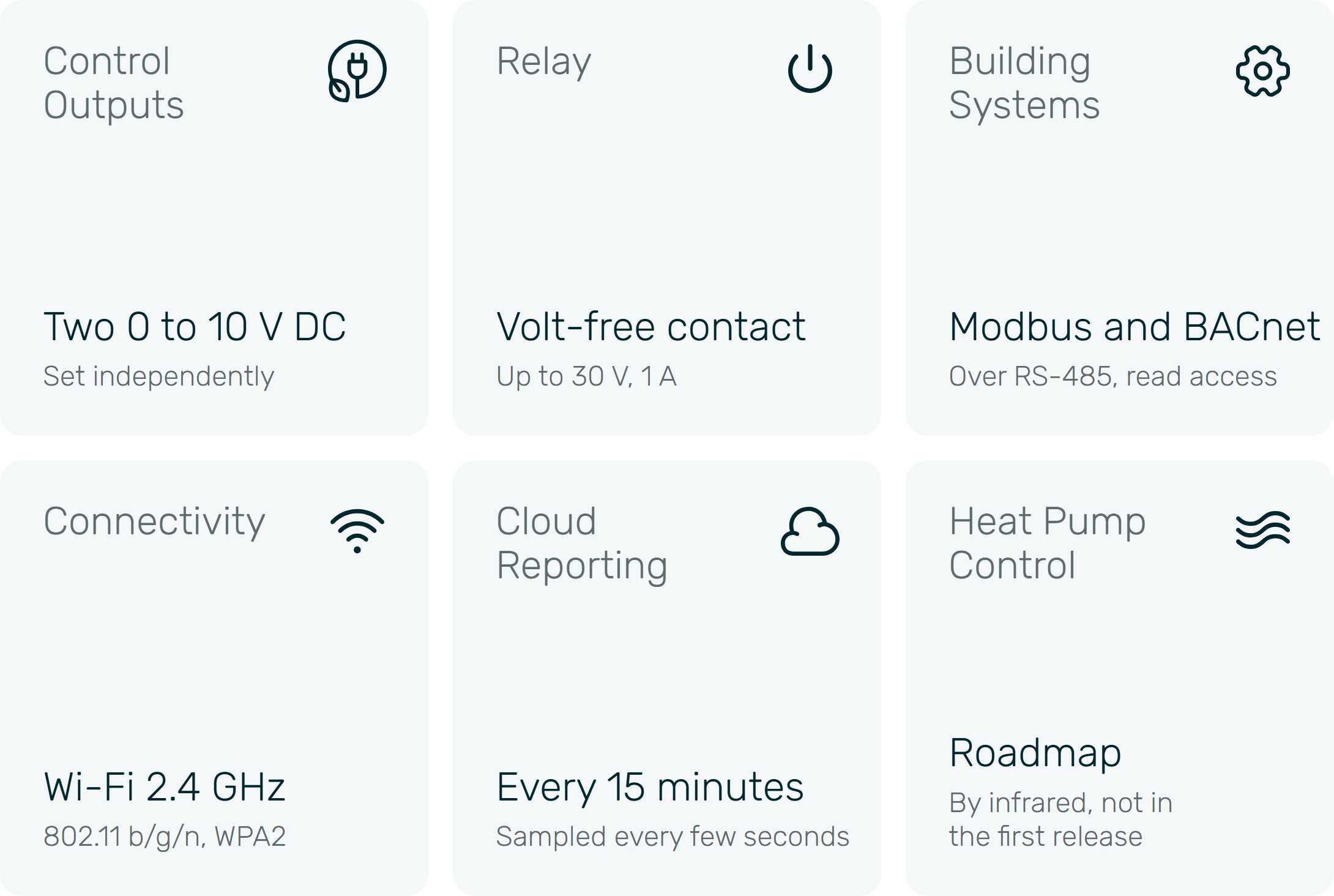
Two 0 to 10 V outputs and a relay to run your unit

Wi-Fi connectivity, no ongoing costs

Off, On and Auto modes, set in the AirSmart app

Web portal with reporting

Customisable notifications

Modbus and BACnet over RS-485 for building systems
Introducing AirSmart EcoConnect
The Monitor That Runs Your Ventilation
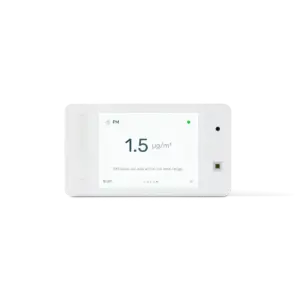
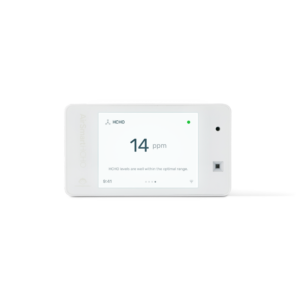
AirSmart EcoConnect is AirSmart Edu with a control board. It measures the air and runs your fan, heat recovery unit or damper to match, so fresh air comes in when the room needs it. Heat pump control by infrared, the way its remote does, is on the roadmap.
Fresh Air Without Anyone Having to Remember
In a New Zealand winter an open window means a cold room. In a 2015 study of 40 Auckland schools, 40 % of teachers opened windows, and from April to October classroom windows tended to stay shut (Massey University, 2016). EcoConnect brings the fresh air in for you.
More Fresh Air as the Room Fills
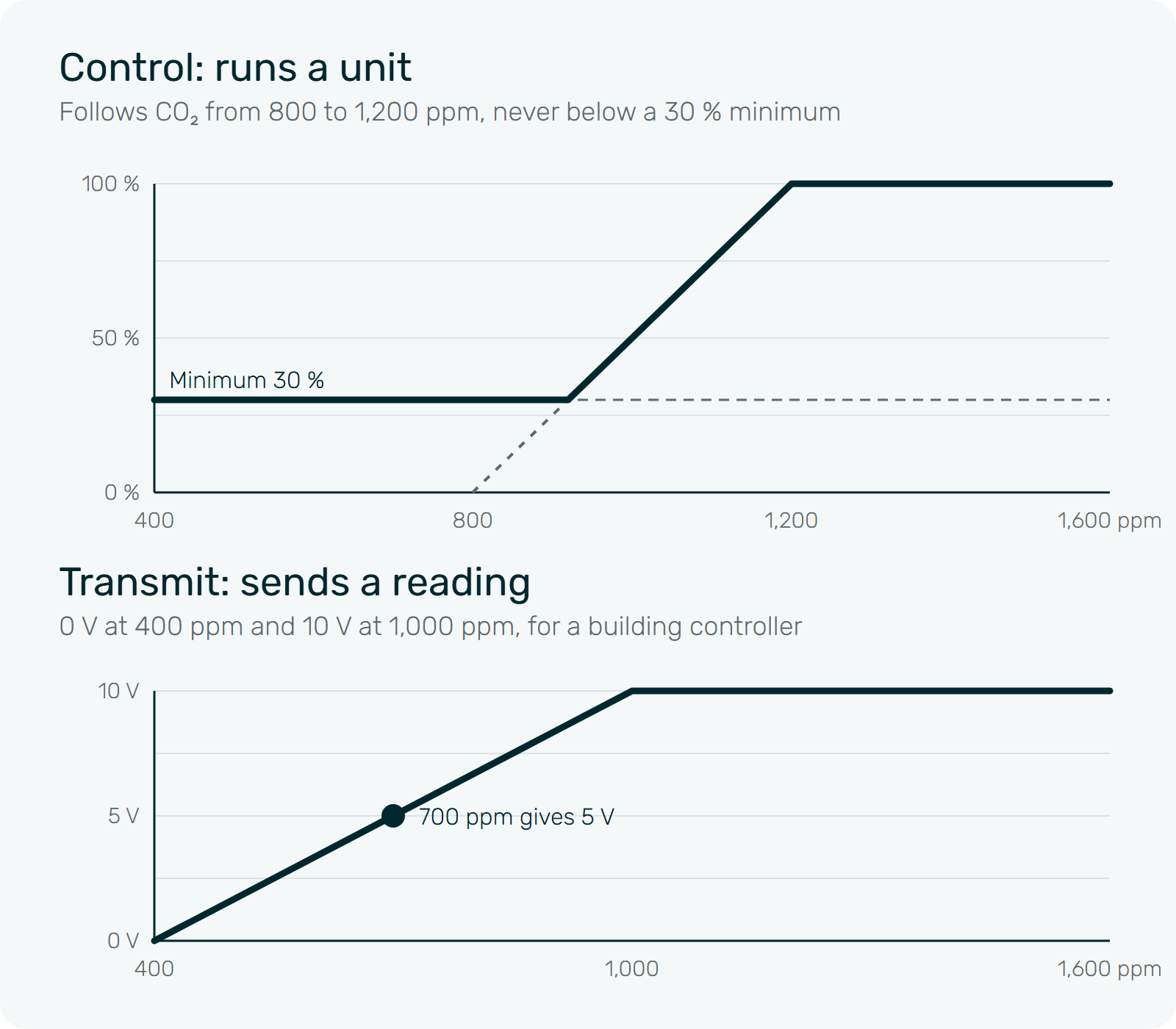
The outputs follow the CO₂, temperature or humidity in the room: more fresh air as it fills, less as it empties, never below the minimum you set.
See That It Worked
Every reading reaches the AirSmart app and web portal every 15 minutes, with each output’s level and mode.
You Choose How Each Output Runs
Off: the output sits at the bottom of its range.
On: a fixed level you choose, 0 to 100 %, for manual override from the app.
Auto: scales in a straight line between two set points on temperature, humidity or CO₂, rising as the reading climbs or as it falls.
Each output either runs a unit, with a minimum it never drops below, or sends a reading to a building controller, for example 0 V at 400 ppm and 10 V at 1,000 ppm. The relay switches at set points you choose. Settings are stored on the device, so it keeps running through Wi-Fi drops and power cuts.
On the roadmap: heat pump control by infrared
The Heat Pump Knows the Ceiling. EcoConnect Will Know the Room.
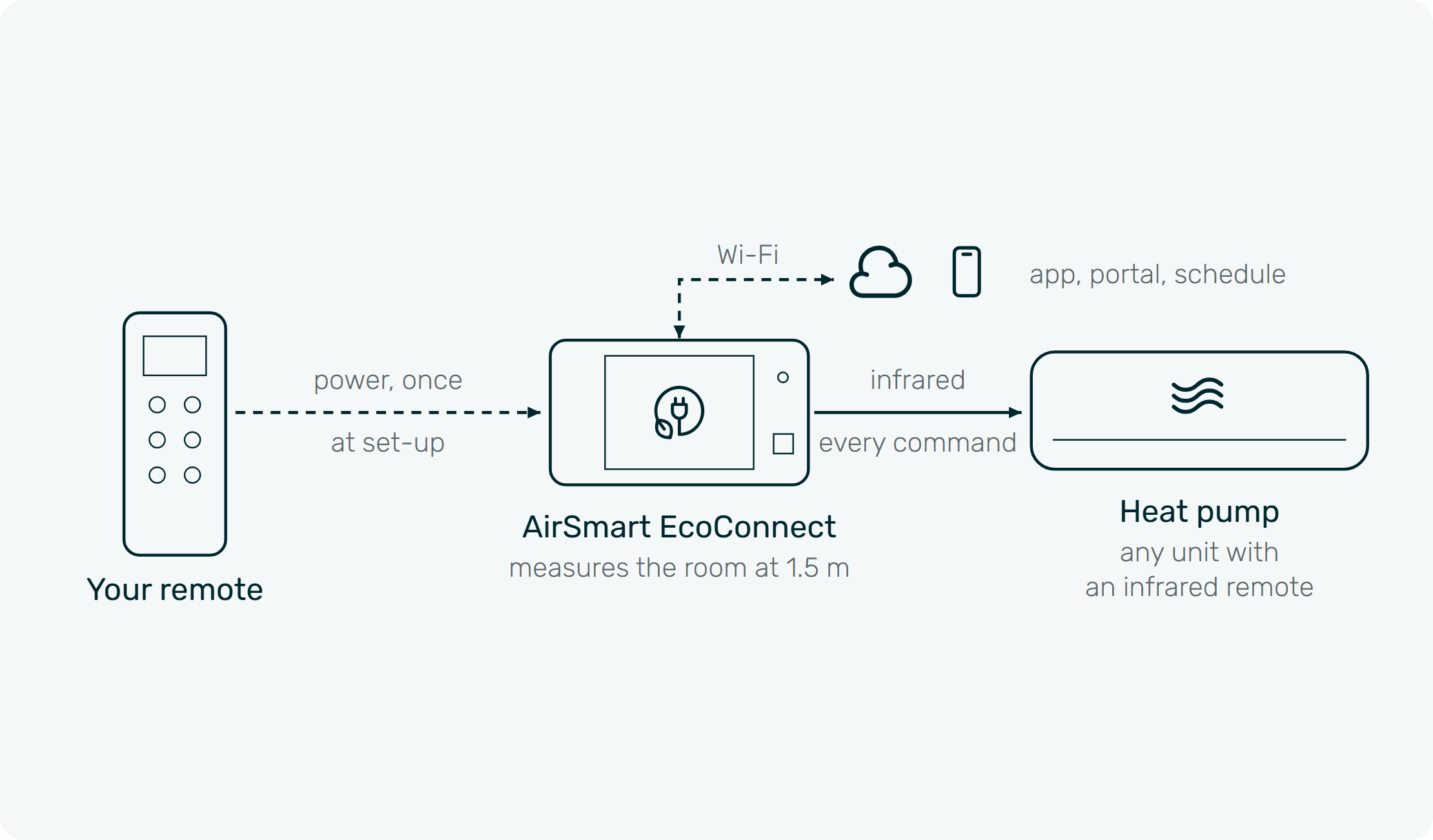
A heat pump knows the temperature at its own sensor, up by the ceiling, and nothing about who is in the room. On the roadmap, EcoConnect will talk to it by infrared, the way its remote does, and bring what it measures at 1.5 m: how many people are breathing (CO₂), how warm it is where they sit, and how damp the room is. Not in the first release.
On when people arrive and off when they leave, from the CO₂ in the room
Set point corrected from the temperature where people sit, not at the ceiling
Dry mode when the room gets damp
On and off, mode, temperature, fan and a 7-day schedule from the app and web portal
Keeps working with the Wi-Fi off, and picks up the commands you give with the handheld remote
No subscription, ever
Set-up, as planned: point your remote at EcoConnect and press power once, or pick the brand and model in the app. EcoConnect will send a test command and ask: did the heat pump respond?
Planned for any heat pump that has an infrared remote: Mitsubishi Electric, Daikin, Fujitsu, Panasonic, Gree, Haier, LG, Samsung, Toshiba, Hitachi, Mitsubishi Heavy Industries and others. A remote we do not know yet will be taught in a few minutes. Line of sight to the indoor unit, up to 6 m.
First release: two 0 to 10 V outputs, a relay, Modbus RTU and BACnet MS/TP over RS-485 (the firmware may follow the first units by update), CO₂, temperature, humidity, light and sound, Wi-Fi, the AirSmart app and web portal, 24 V AC or 6 to 36 V DC supply, a back plate with eight terminals. Roadmap, not yet available: heat pump control by infrared (EcoConnect will send the heat pump the commands its remote sends, and pick up the commands you give with the handheld remote), and BACnet/IP and Modbus TCP over Wi-Fi.
Reliable and Accurate Monitoring
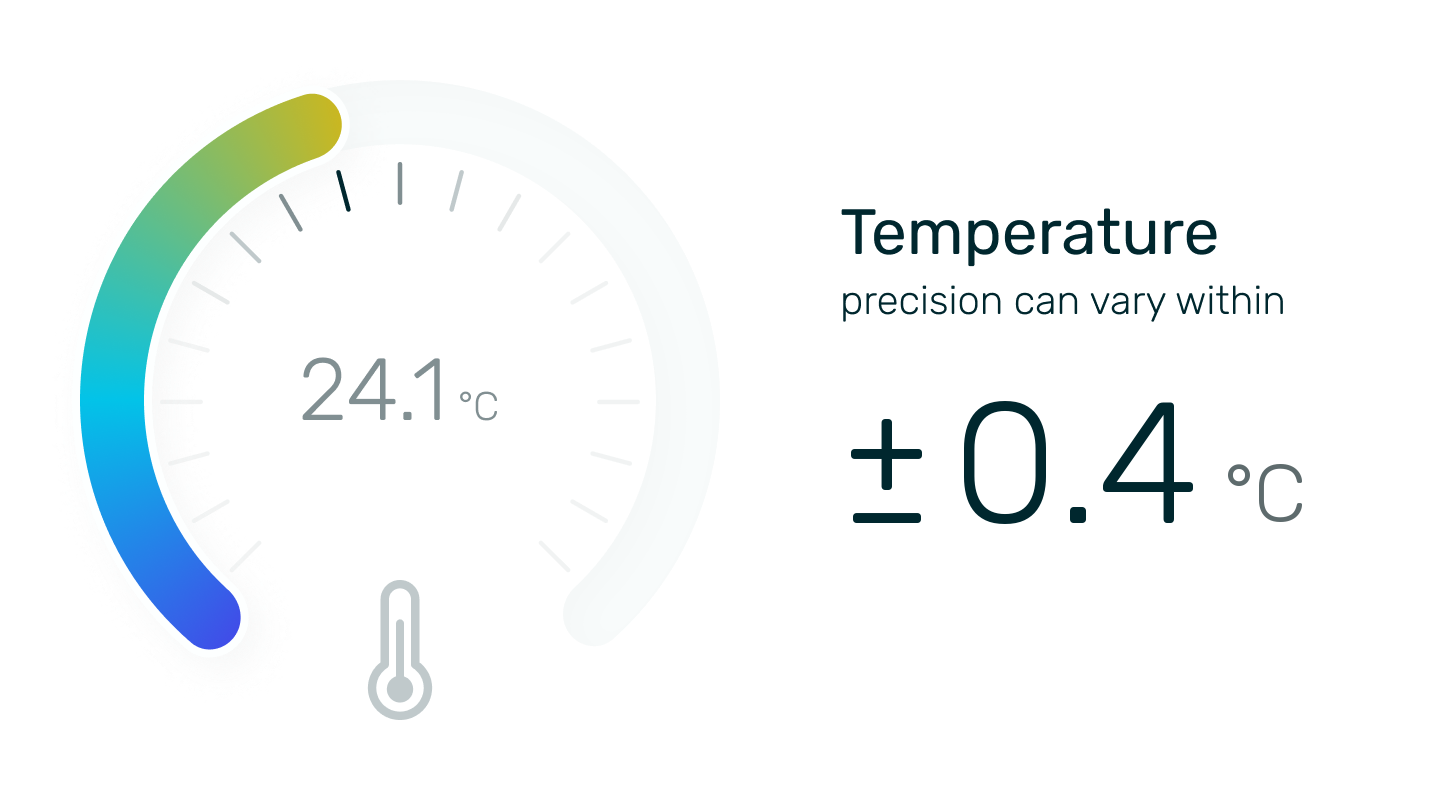
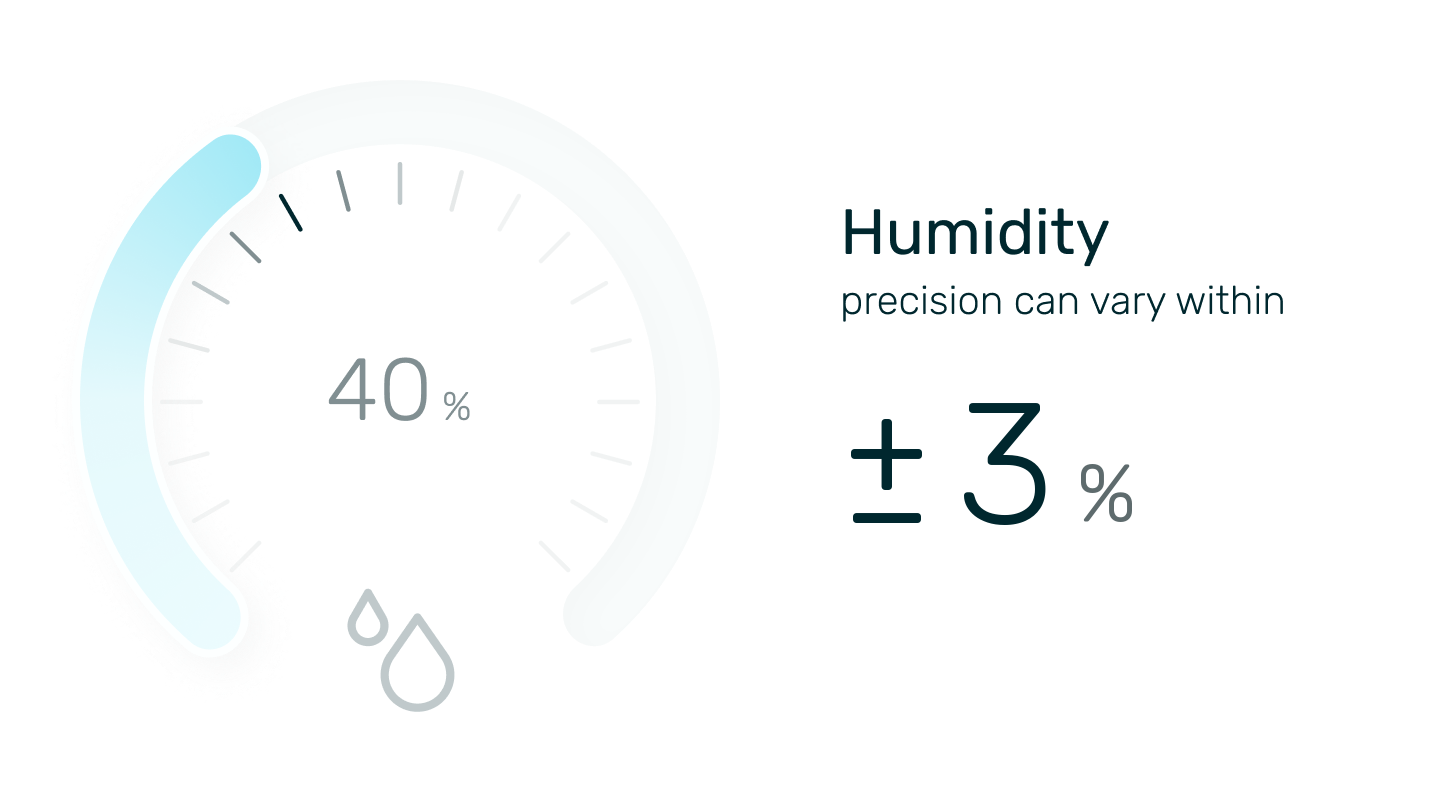
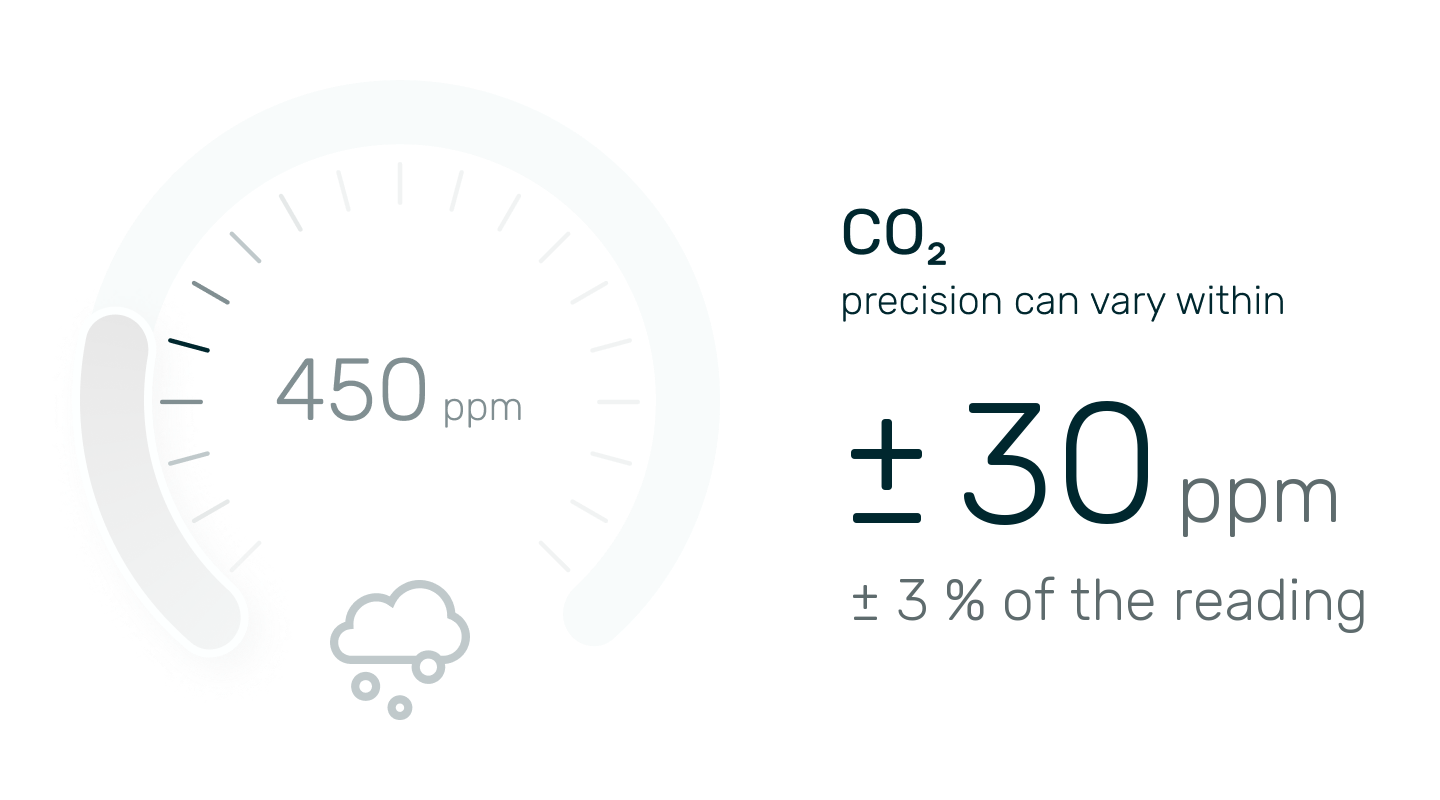
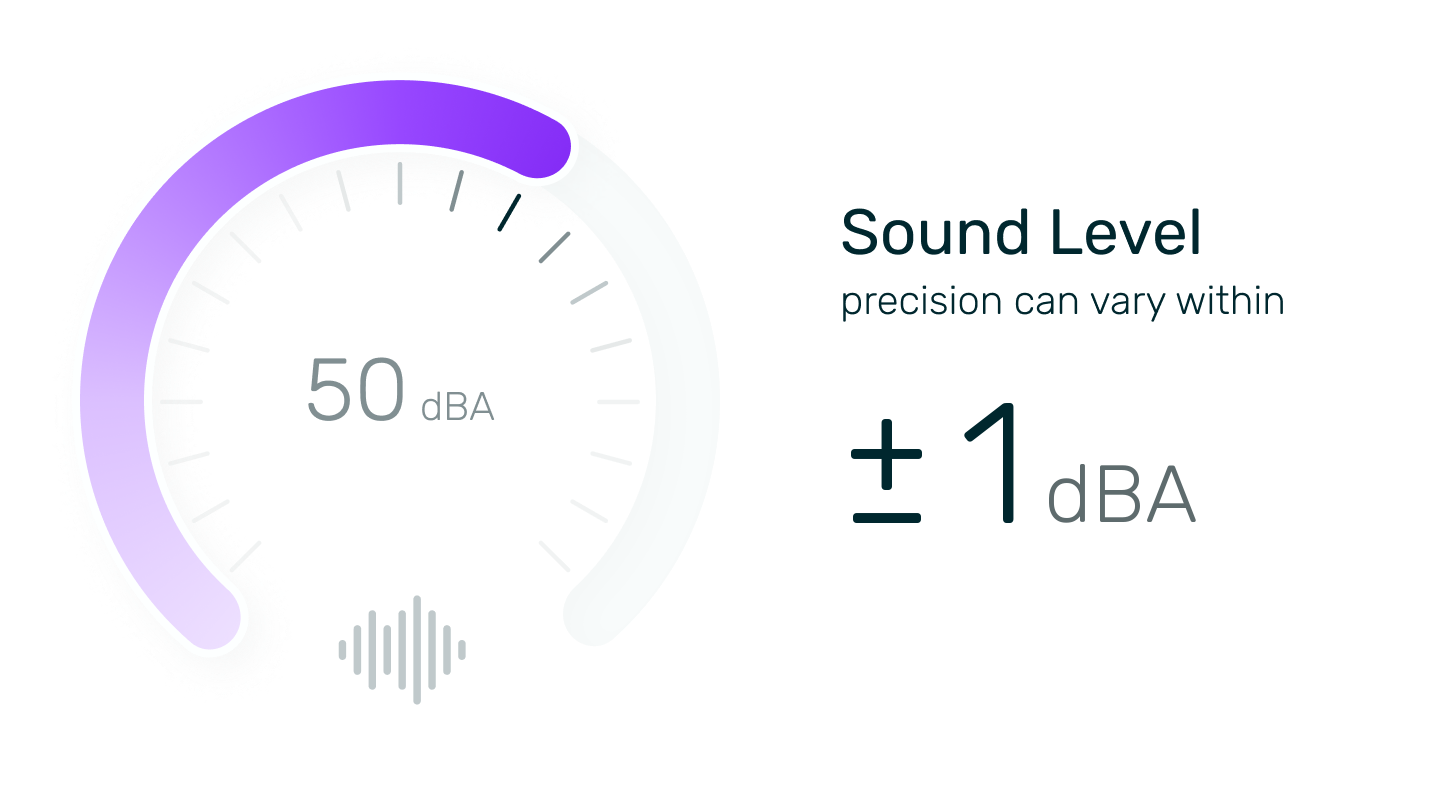
The CO₂, temperature and humidity figures are from the Sensirion SCD30 datasheet, at 25 °C.

Made for Rooms Where People Come and Go

Classroom

Cafeteria

Library

Gym

Science Lab

Staff Room

Office
Works With Your Fan, Heat Recovery Unit or Damper
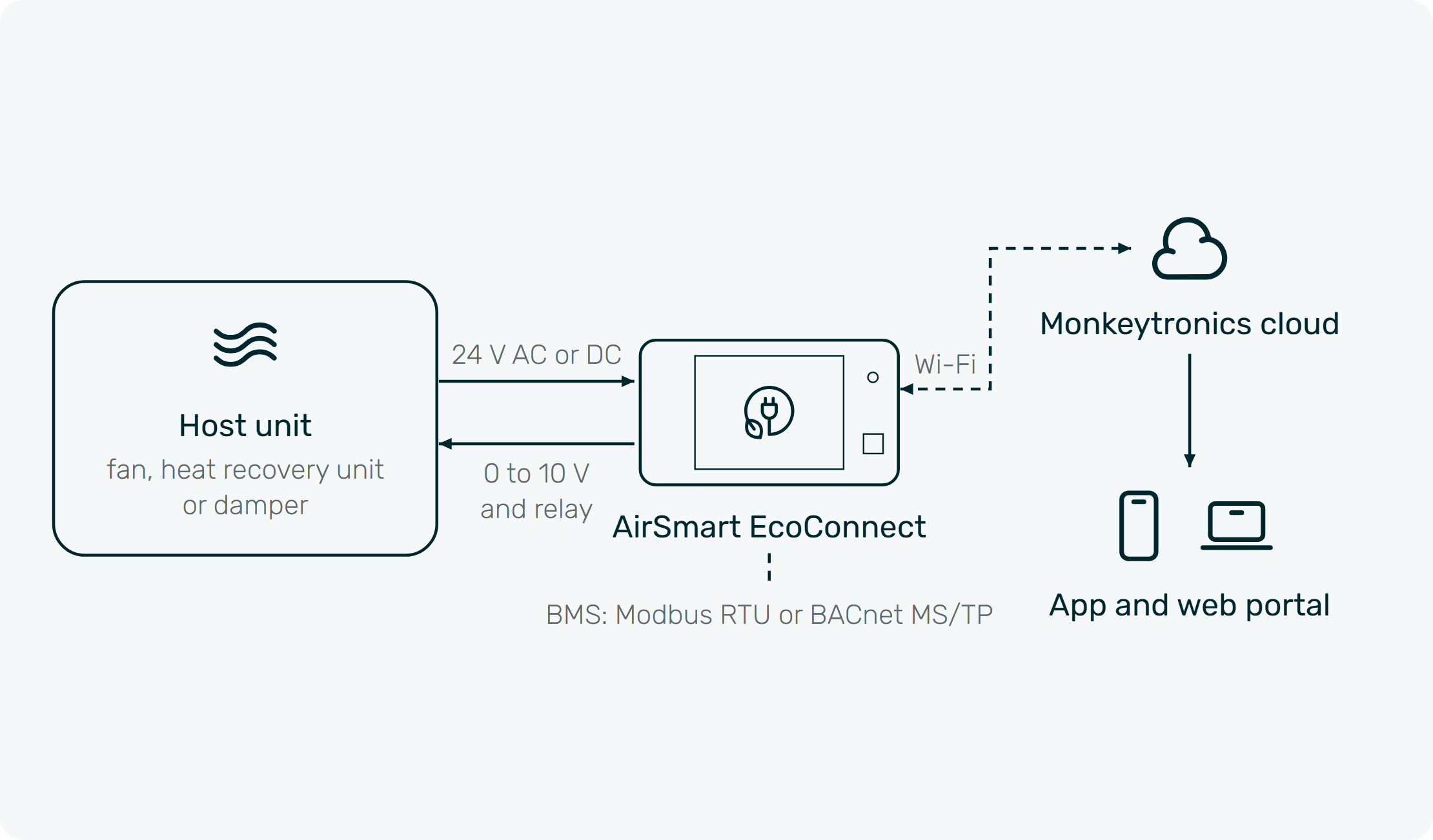
Works with fans, heat recovery units and dampers that take a 0 to 10 V signal. Its relay switches units with an on and off input. Heat pump control by infrared is on the roadmap, not in the first release.
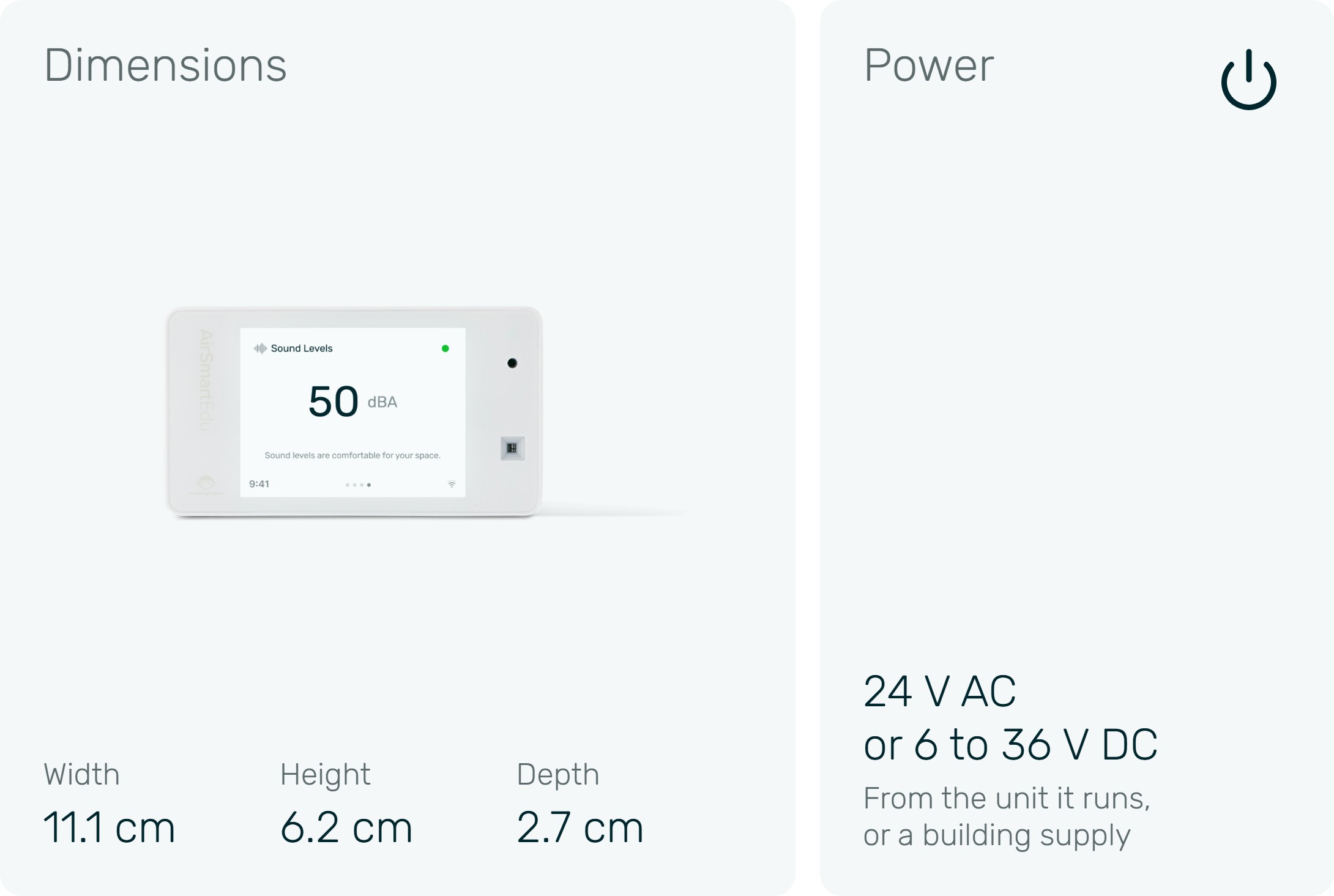
It needs 24 V AC or 6 to 36 V DC, from the unit or a building supply, and 2.4 GHz Wi-Fi with a plain name and password.
Not sure about your unit? Email its make and model, or a photo of its label, to contact@monkeytronics.co.nz and Al will get back to you.
Specifications
For Electricians and Ventilation Installers
Wire the Back Plate,
Then Slot It On
A back plate fixes with two screws over the wall box. The cable comes in from behind through a gasket to eight terminals: +V, 0 V, D1 (B), D0 (A), OUT1, OUT2, RLY and RLY. Each terminal takes two wires, so the supply and the RS-485 bus run on to the next unit.
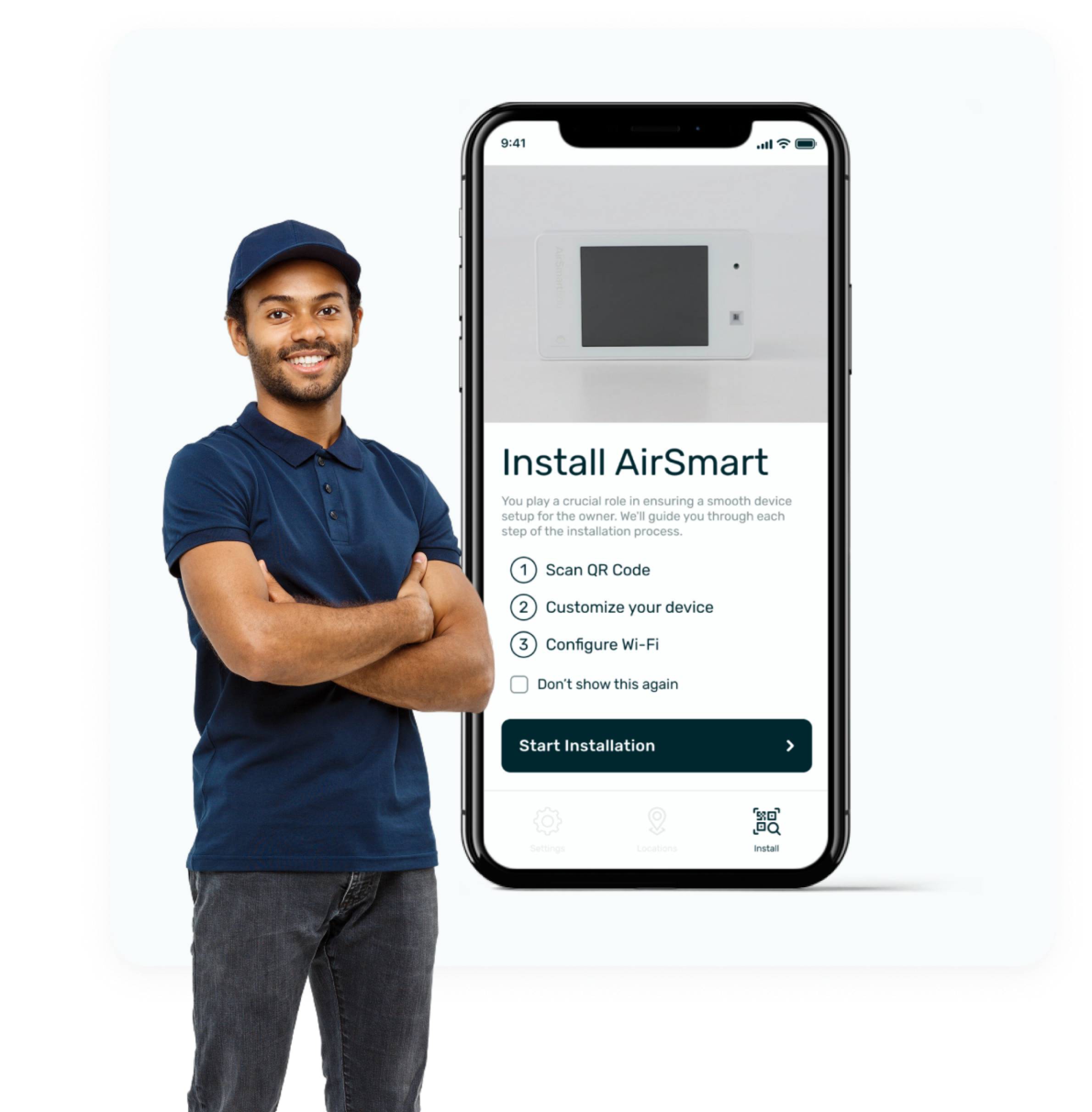
Scan the QR code in the AirSmart Installer app and connect Wi-Fi
Set each output, the relay and the set points in the AirSmart app
Transfer the site to its owner when you are done
Power 1 W typical, 2 W maximum; allow 3 VA per unit on a 24 V AC transformer. Building systems read it over RS-485 as Modbus RTU or BACnet MS/TP; the firmware may follow the first units by update. Heat pump control by infrared is on the roadmap: it will need line of sight to the indoor unit, up to 6 m, and 2.5 W.
A qualified installer should do the wiring; we help commission every project.
AirSmart EcoConnect
Frequently Asked Questions
Will it work with my unit?
A fan, heat recovery unit or damper that takes a 0 to 10 V signal, yes. A unit with an on and off input: through the relay. A heat pump by its infrared remote: on the roadmap, not in the first release. Email the make and model, or a photo of the label, to contact@monkeytronics.co.nz and Al will get back to you.
Can it run my heat pump?
Not in the first release. Heat pump control by infrared is on the roadmap: EcoConnect will send the heat pump the commands its remote sends, and pick up the commands you give with the handheld remote. As planned, at set-up you point your remote at EcoConnect and press power once, or pick the brand and model in the app; from then on EcoConnect switches it on when people arrive and off when they leave, corrects the set point from the temperature where people sit, and runs a schedule you set. It will need line of sight to the indoor unit, up to 6 m. In the first release, a heat pump with a maker contact adaptor or thermostat input is switched through the relay.
Does it work with a building management system?
Yes. A building system can read every reading, both output levels, the modes and the relay over RS-485, as Modbus RTU or BACnet MS/TP (read access, no writes). EcoConnect can also send a reading to a building controller as a 0 to 10 V signal, for example 0 V at 400 ppm and 10 V at 1,000 ppm. The RS-485 firmware may follow the first units by update. BACnet/IP and Modbus TCP over Wi-Fi are on the roadmap, not yet available.
What power does it need?
24 V AC, or 6 to 36 V DC, from the unit it runs or from a building’s 24 V supply. It draws about 1 W, 2 W at most; 2.5 W once heat pump control by infrared arrives (roadmap).
Will the fresh air stop when the room empties?
Not unless you set it to. In control mode each output has a minimum you set, and the fan never drops below it. Set it to at least the unit’s design minimum airflow.
What happens if the Wi-Fi drops or the power goes off?
Settings are stored on the device, so it keeps running on its own readings through Wi-Fi drops and power cuts. During a firmware update the outputs hold their last value.
Will it lower my power bill?
EcoConnect does not make fresh air free. It stops a fan running flat out when the room does not need it, which in our modelled Wellington classroom avoids about 30 % of the heat used to warm the fresh air (modelled, not measured; about $32 a classroom per winter). Reviews of demand-controlled ventilation in homes report ventilation energy savings of up to 60 % without worse air quality, but some systems used 26 % more energy (Guyot, Sherman and Walker 2018). EcoConnect’s savings are not yet measured.
Are there ongoing costs?
No. The cloud, app and web portal are free for the life of the product, within fair-use limits. Custom add-ons are quoted separately.
Can a school use it as its classroom monitor?
NZSPA’s Designing Quality Learning Spaces (DQLS) says project teams must source all internal environmental monitoring devices from NZSPA. EcoConnect is AirSmart Edu with a control board, so it is approved as a monitoring device on the same basis as AirSmart Edu. Talk to us about your project.
Can I upgrade my AirSmart Edu?
No. EcoConnect is a separate product with its own control board, and there is no upgrade kit.
Who installs and sets it up?
A qualified installer should do the wiring. Then you set each output, the relay and the set points in the AirSmart app, and we help commission every project.

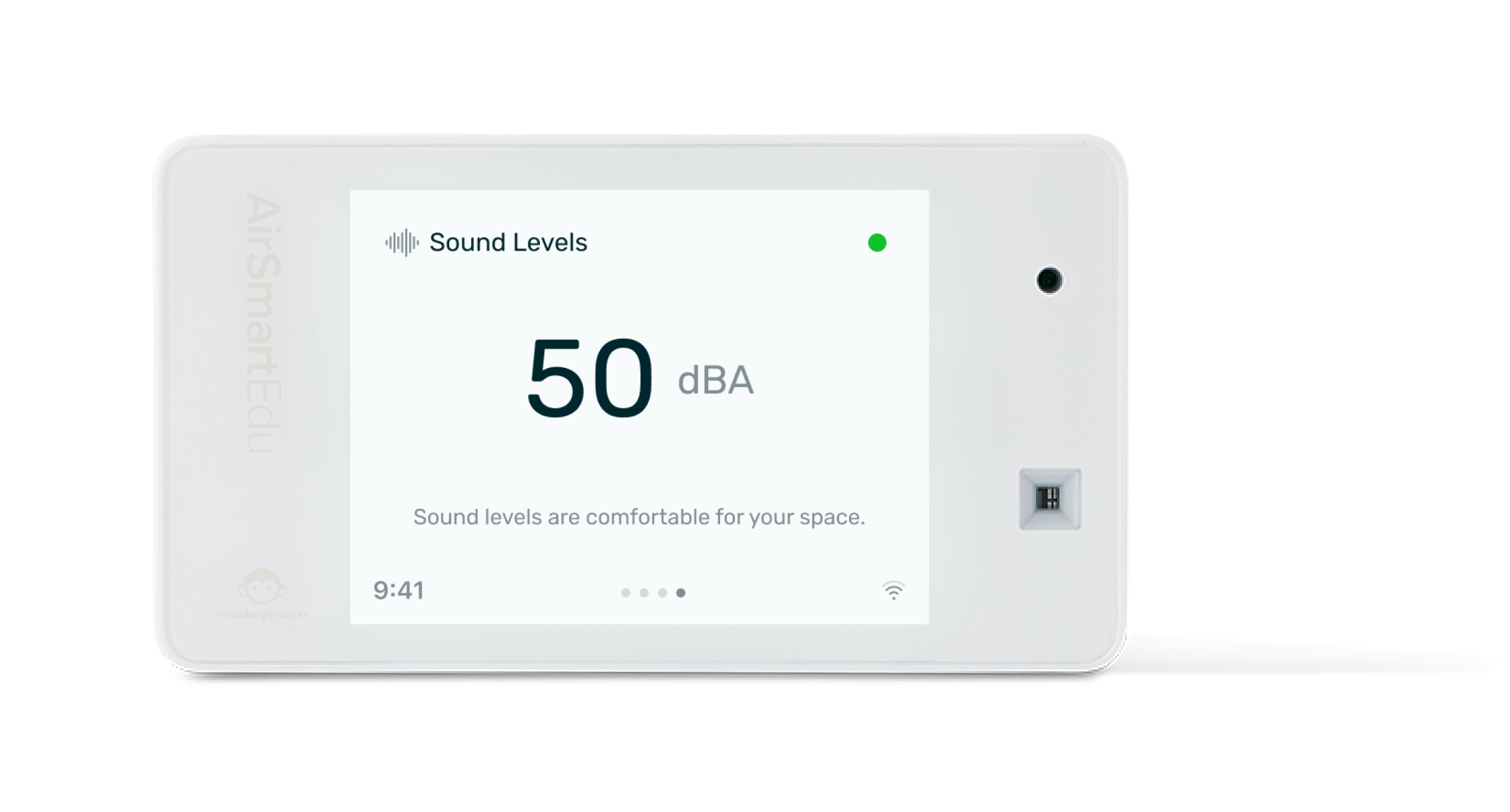

AirSmart EcoConnect
$790.00 + GST
Shop AirSmart
Explore our collection of AirSmart and Sensor Node devices to revolutionize your indoor air quality.