
AirSmart Solar
with Zero Touch Installation

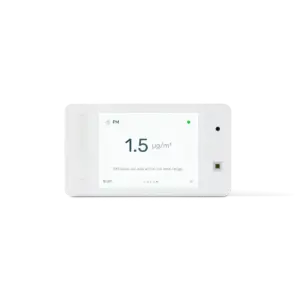
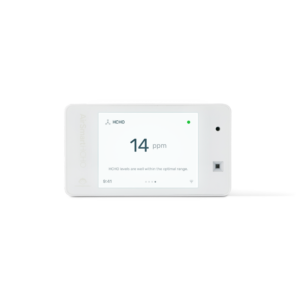
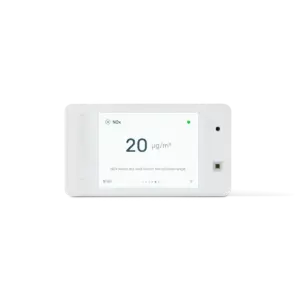
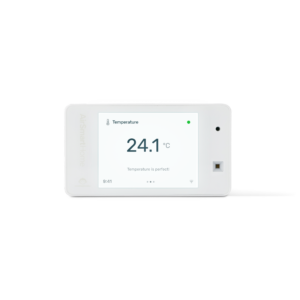
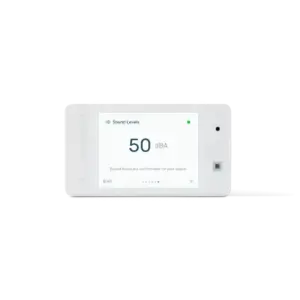
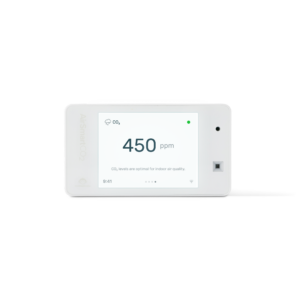
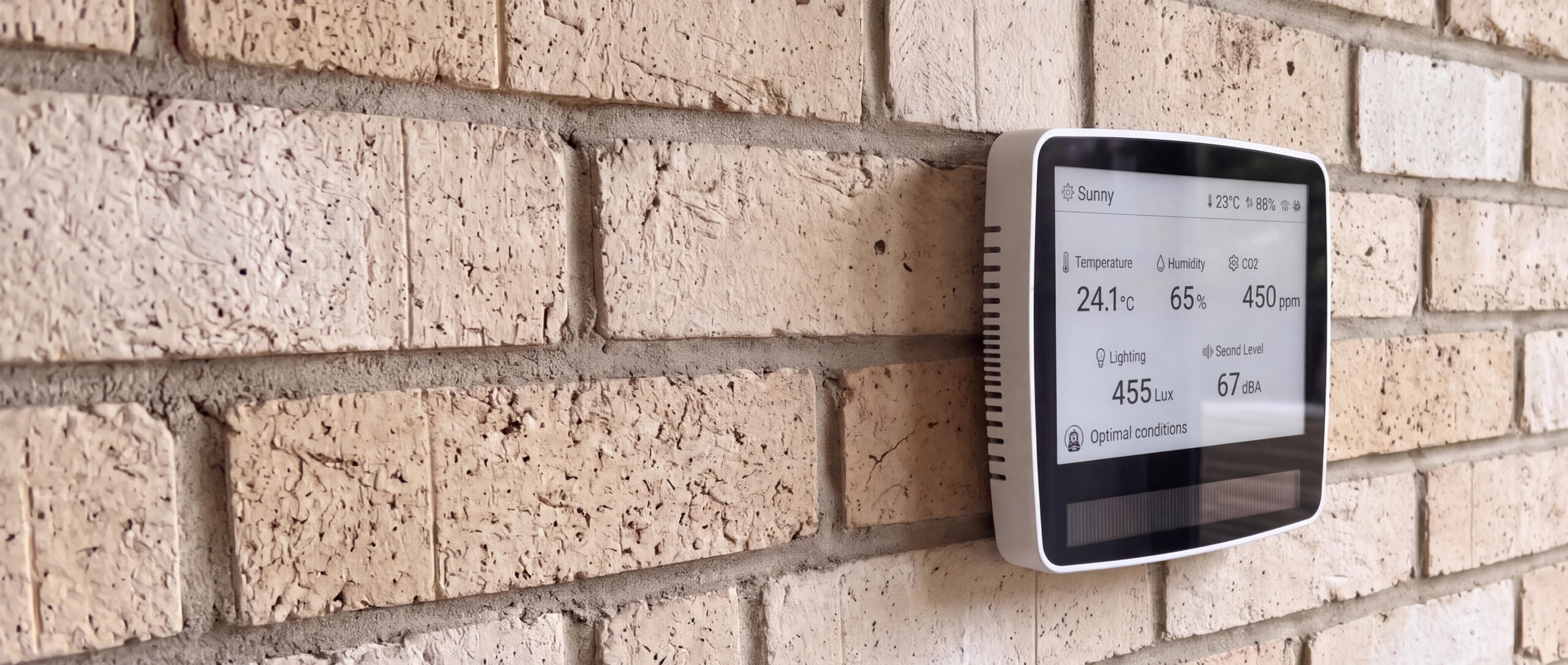
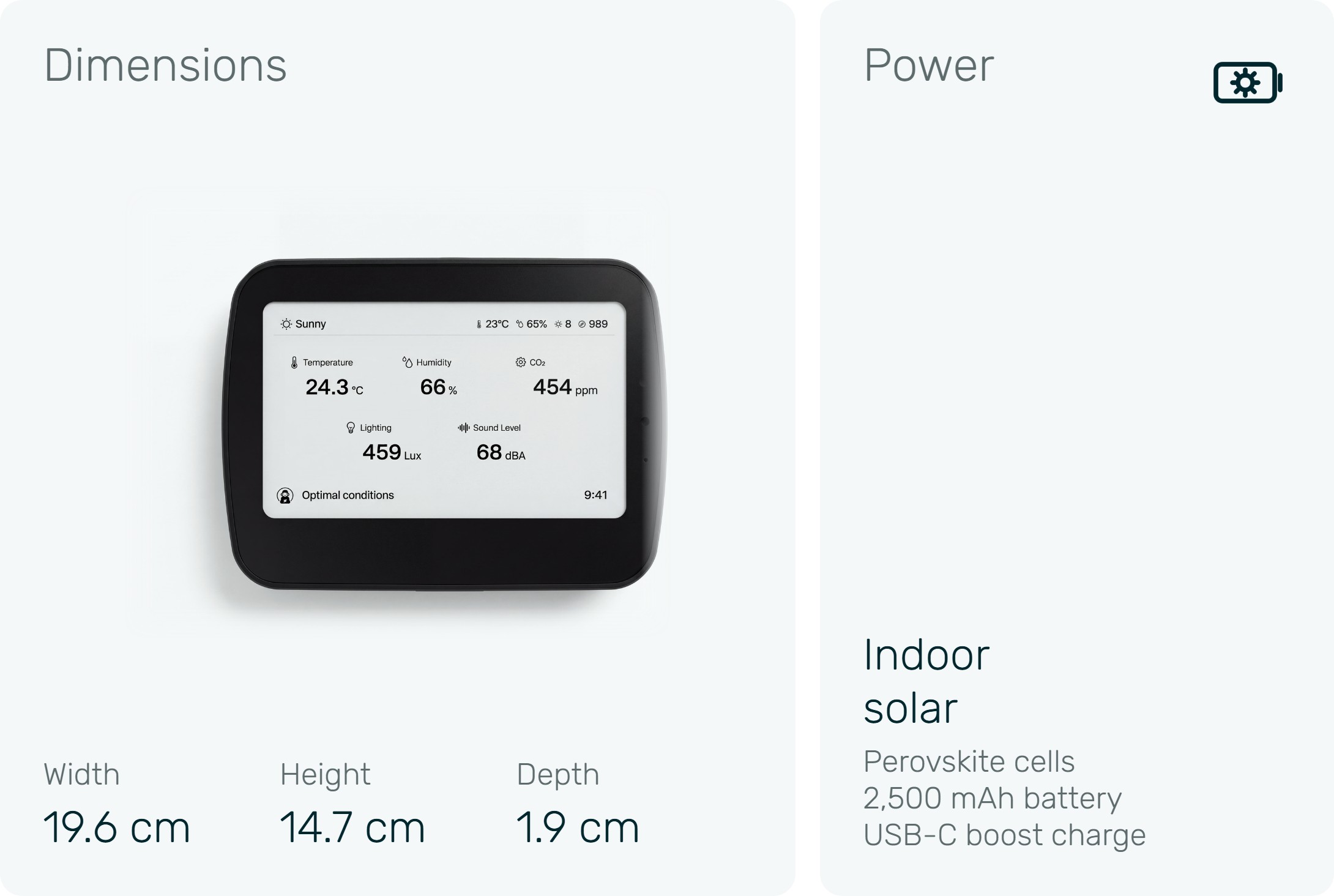
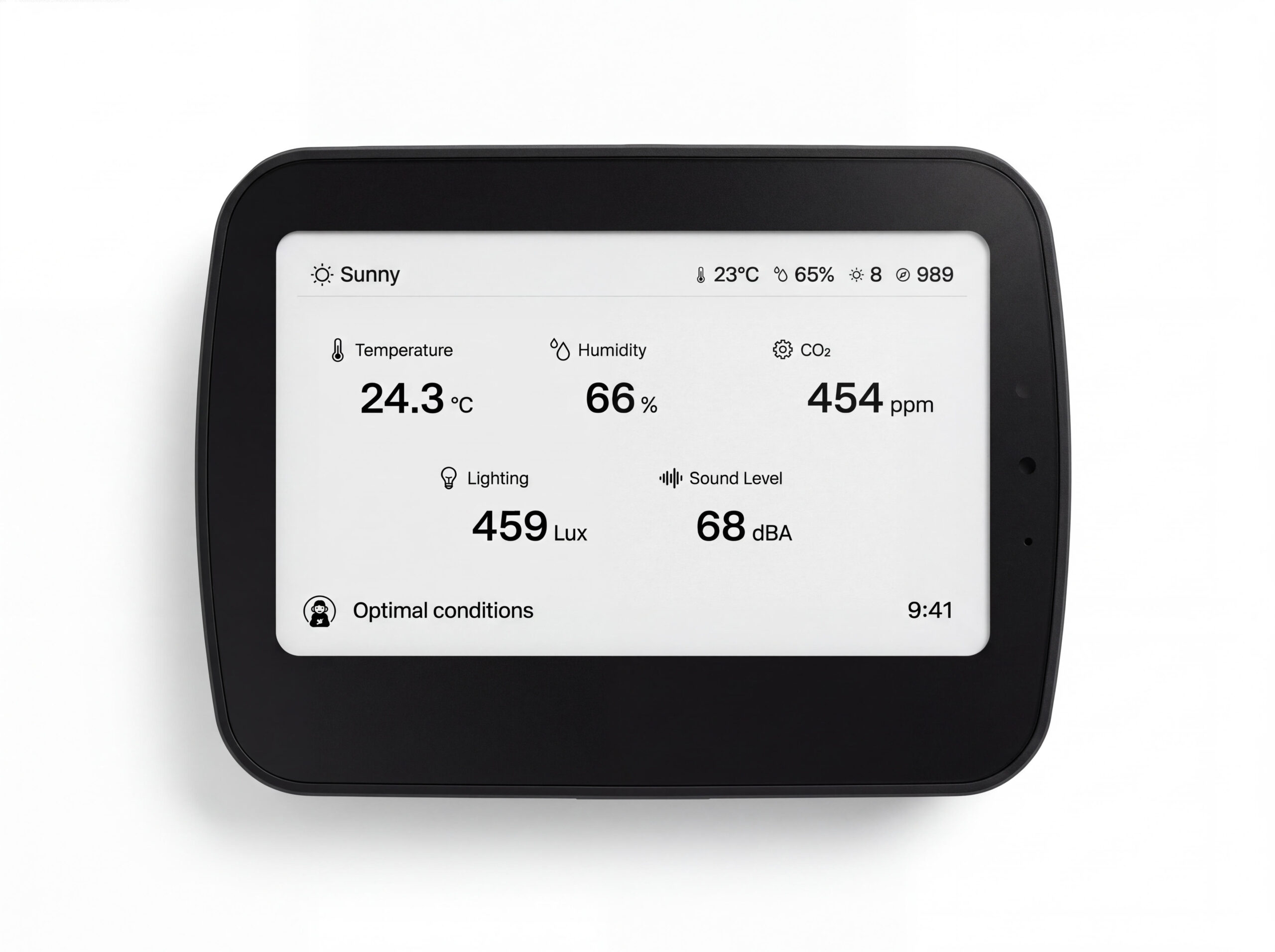
Huge 800 x 480 e-paper display, readable in daylight

Indoor solar power, designed never to need recharging

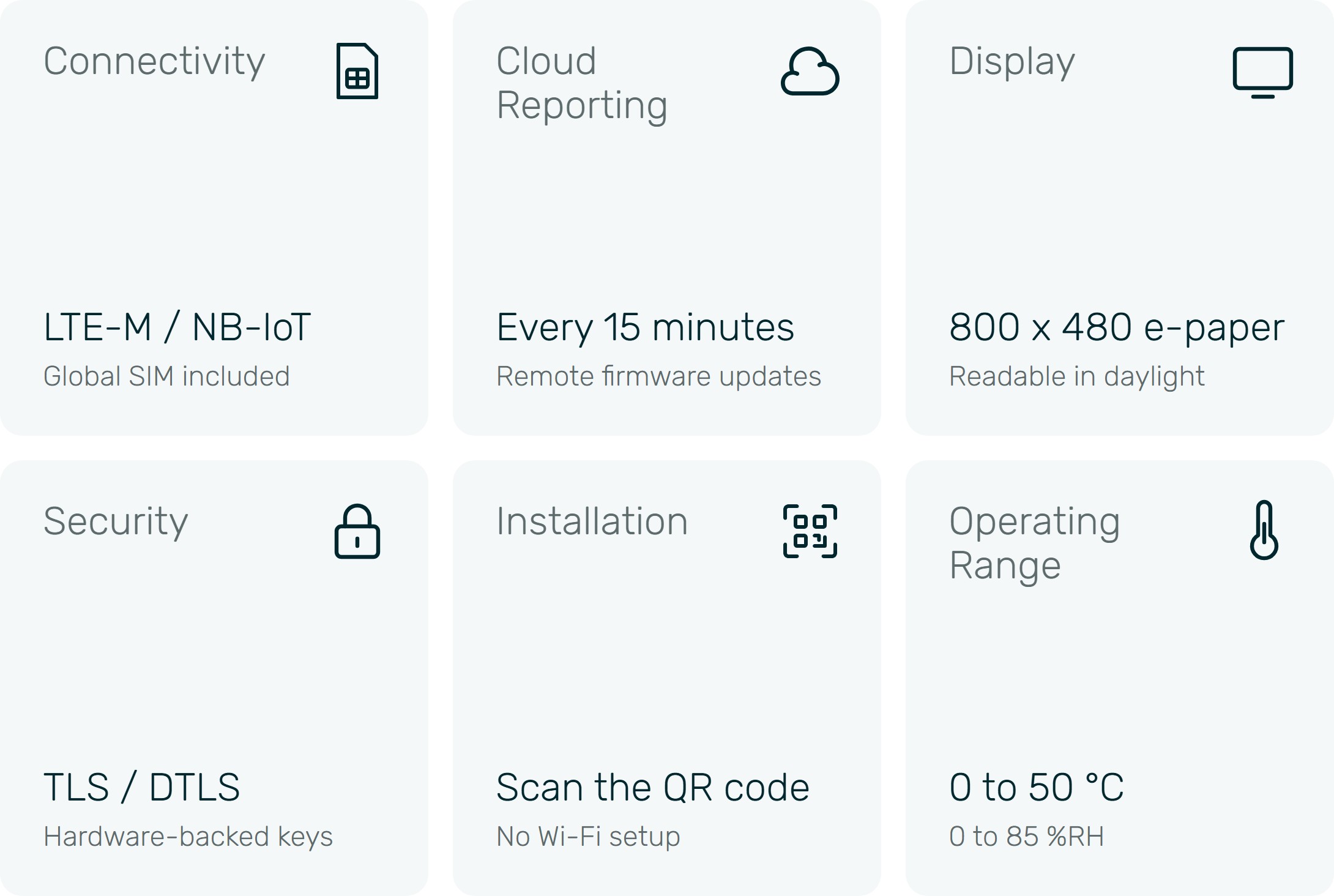
Cellular with a global SIM, no Wi-Fi needed

Zero-touch install: scan the QR code and go

Real-time data for CO₂, temperature, humidity, lighting and sound levels

Mobile app for data access anywhere

Web portal with reporting

Customisable notifications
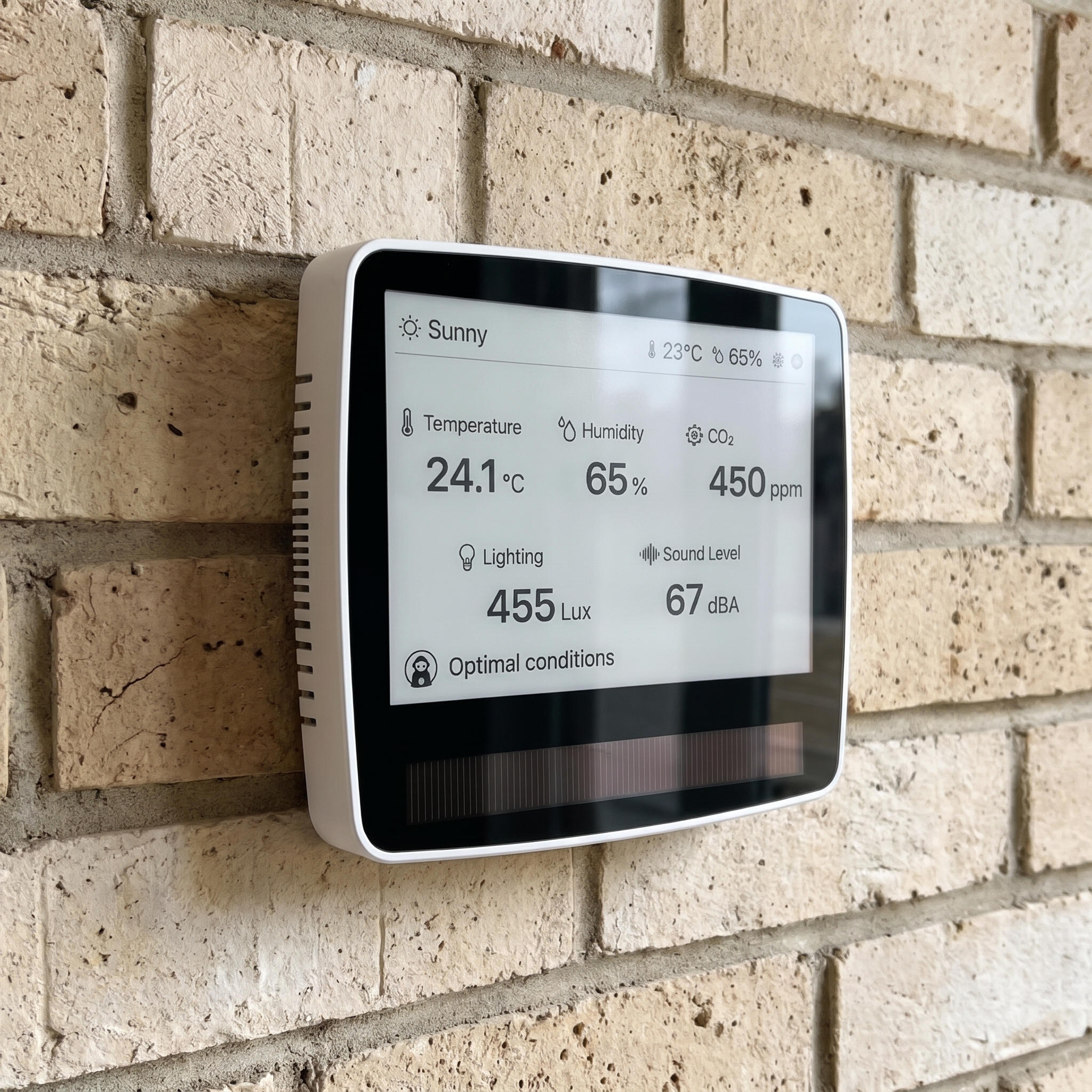
Introducing AirSmart Solar Max
Set It Up Once. Then Forget It.
AirSmart Solar Max runs on indoor light. Advanced perovskite solar cells keep its battery topped up, so there are no cables to run, no batteries to swap and nothing to charge.
Works From Day One
It connects over the cellular network with its own global SIM. There is no Wi-Fi setup, no passwords to type in and nothing on your network for IT to secure. Scan the QR code to register it, and your data starts flowing.
A Display You Can Read Across the Room
The 800 x 480 e-paper screen is big, sharp and readable in bright daylight, so everyone in the room can see the air quality at a glance.
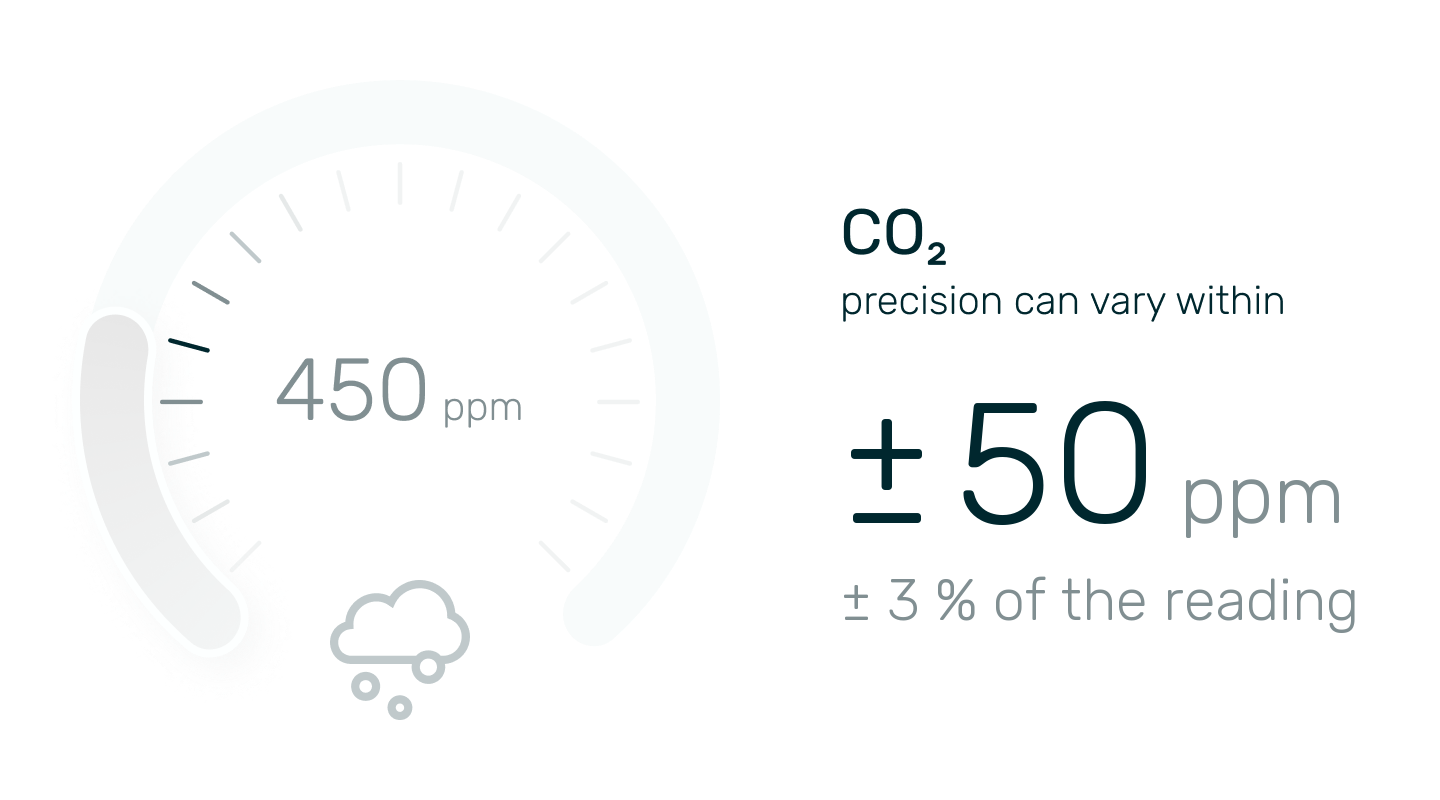
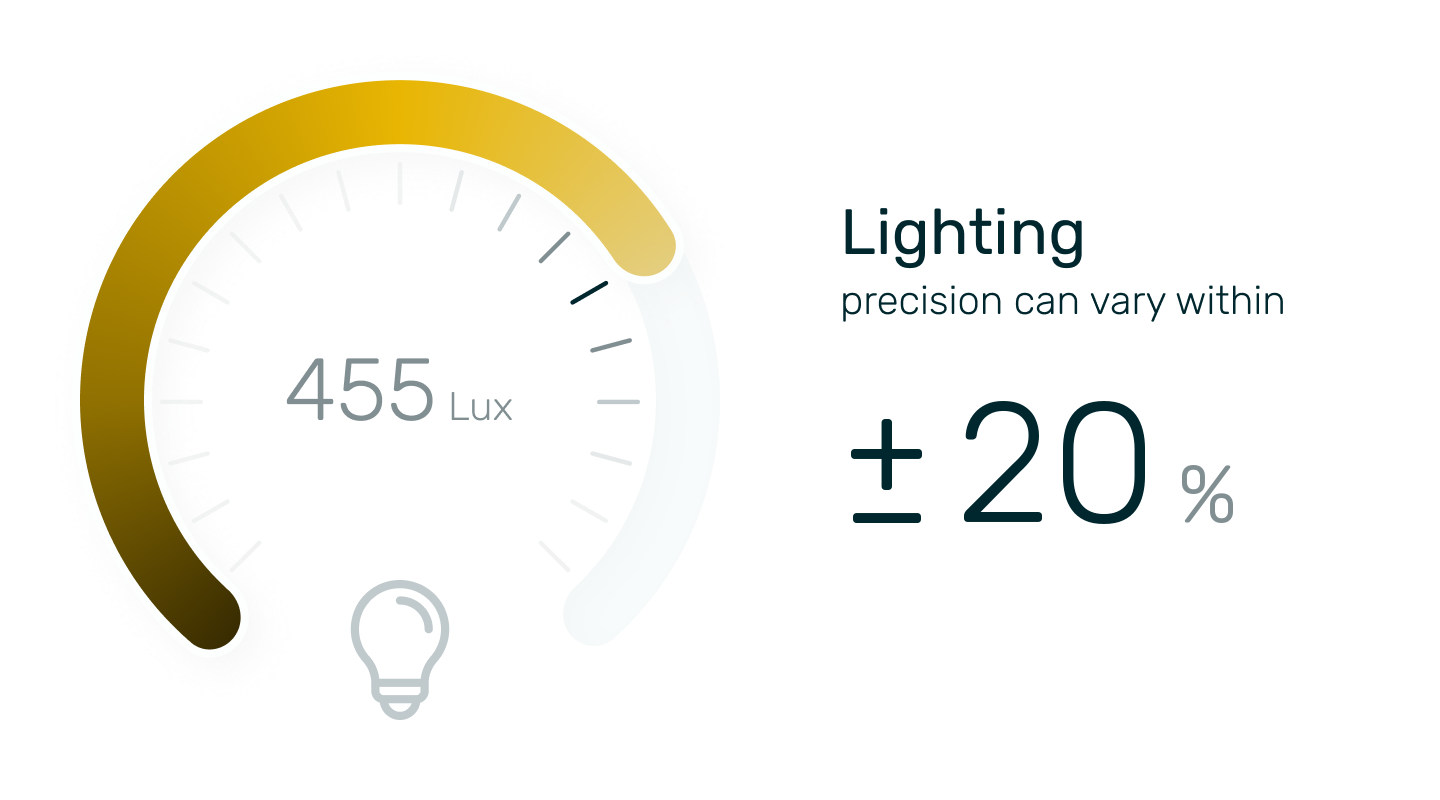
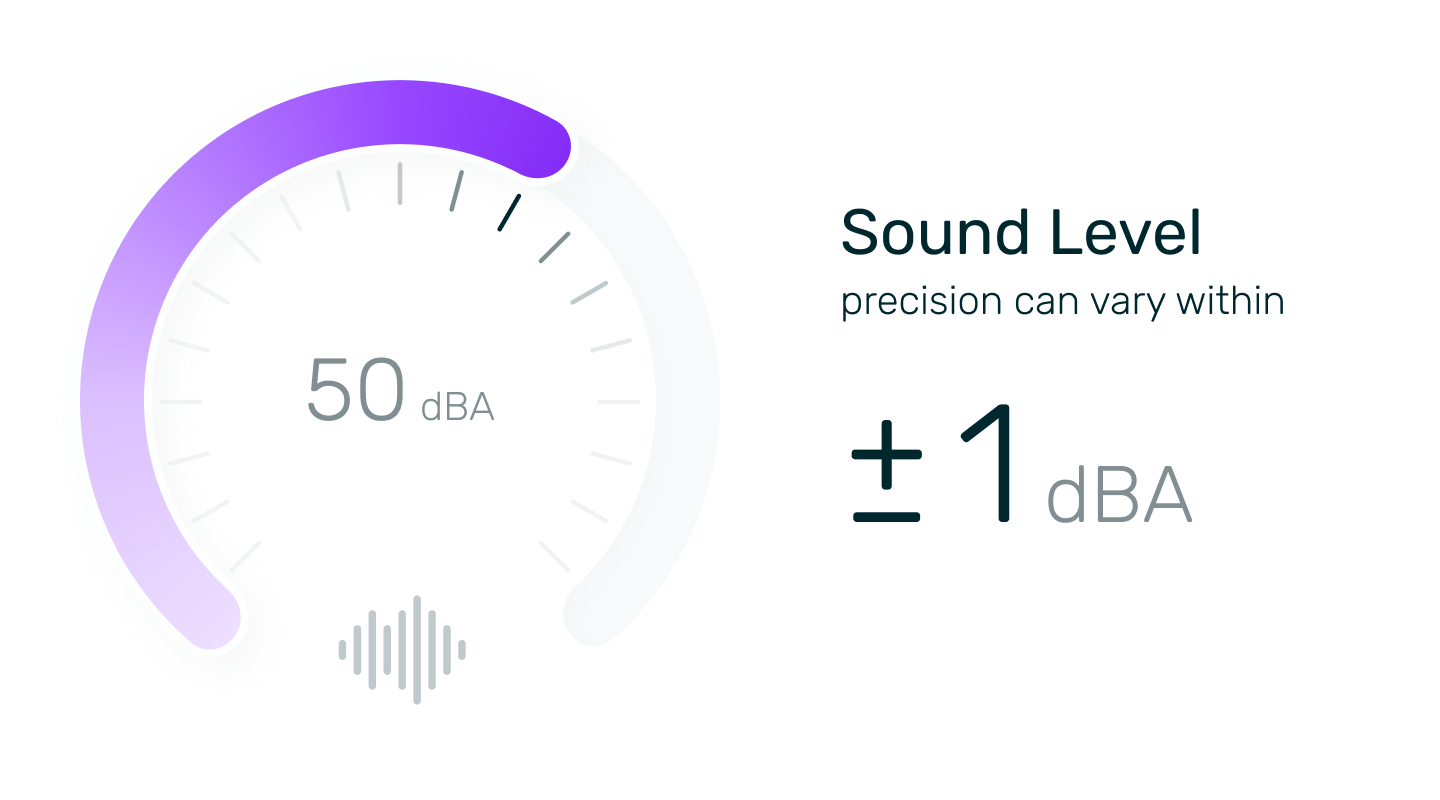
Reliable and Accurate Monitoring
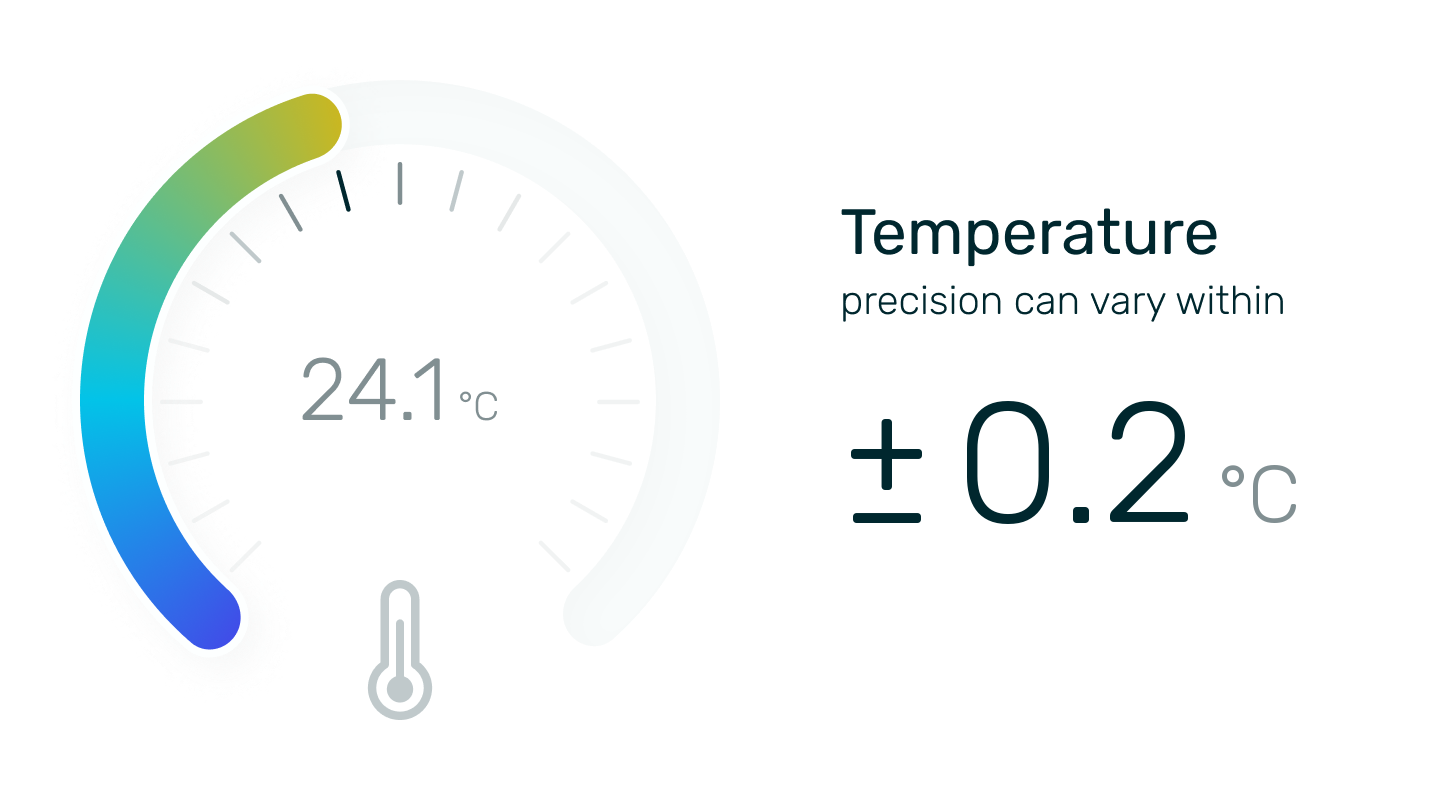
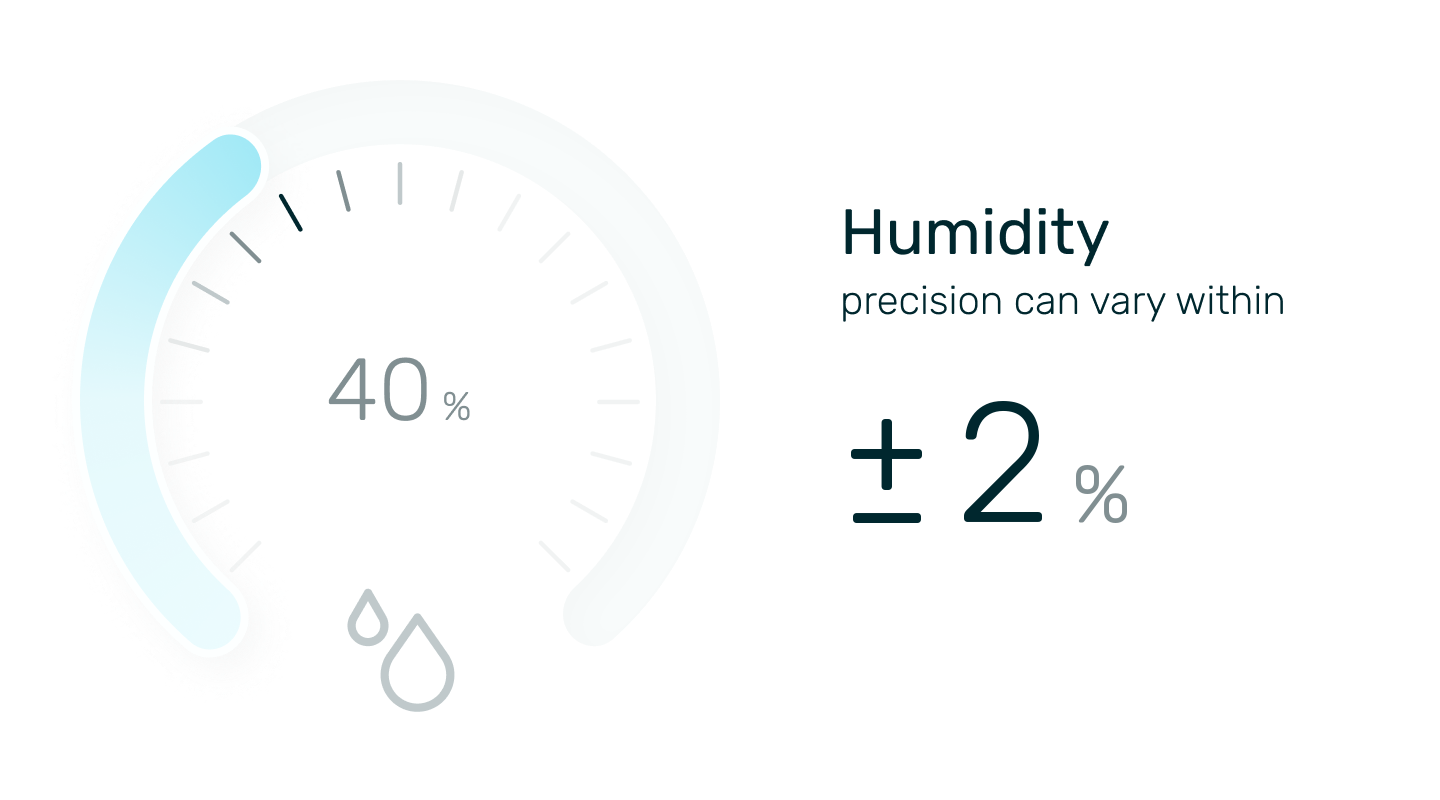
With AirSmart Solar Max, you can trust the accuracy of your environmental data to make informed decisions about your space.
Built for Schools, Businesses and Community Spaces

Classroom

Library

Staff Room

Office

Meeting Room

Cafeteria
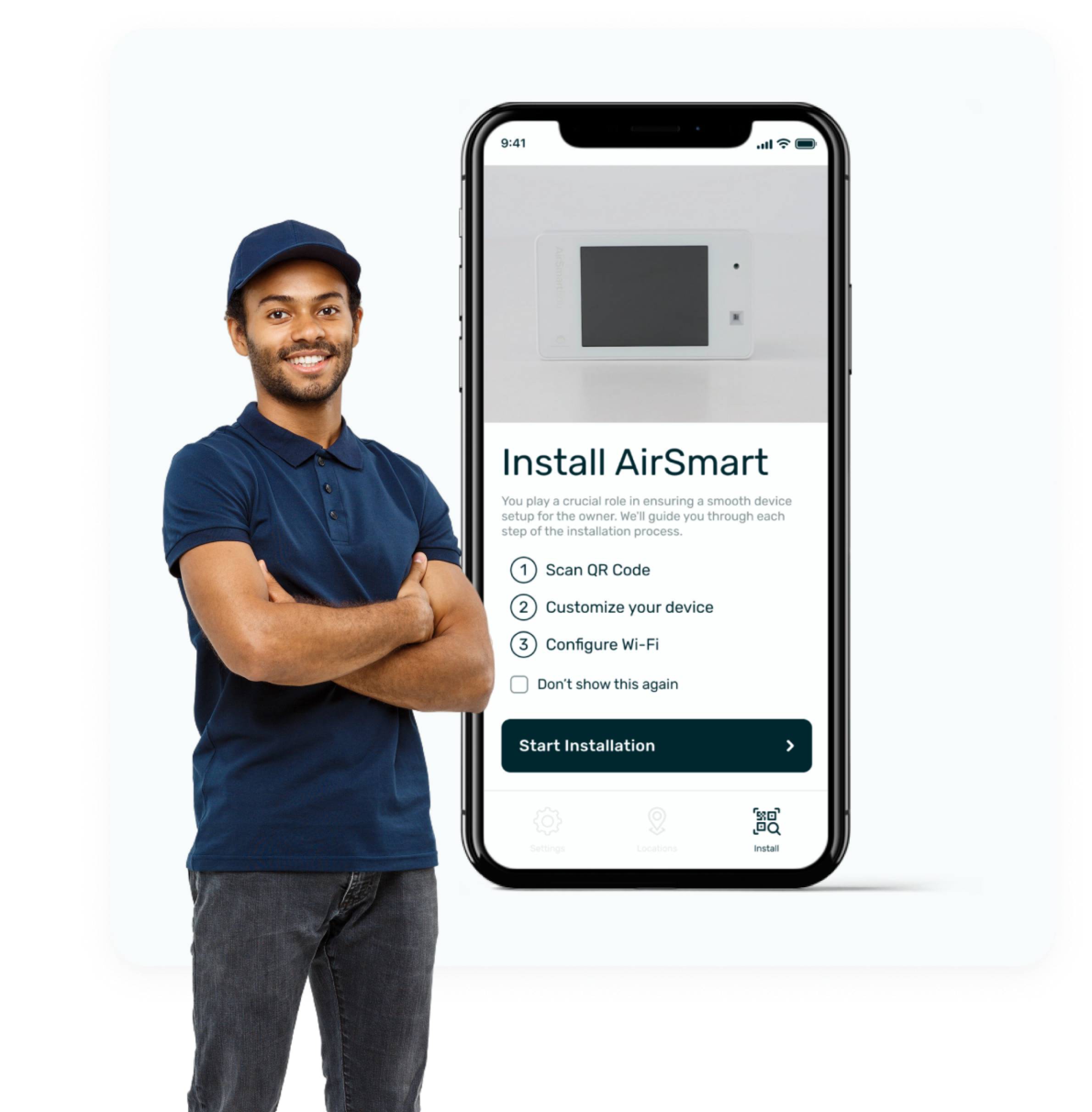
Installed in Minutes
AirSmart
Installer App
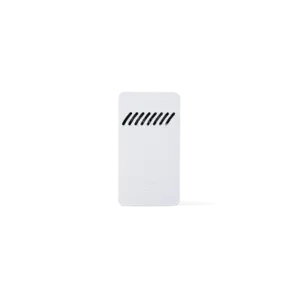
Mount the wall plate with the screw template
Slot the monitor onto the plate
Scan the QR code to register it
That’s it. No cables, no Wi-Fi setup.
Specifications
AirSmart Solar Max
Frequently Asked Questions
Do I need Wi-Fi?
No. AirSmart Solar Max connects over the cellular network with its own global SIM, so it works without Wi-Fi, network passwords or IT involvement.
Do I ever need to charge it?
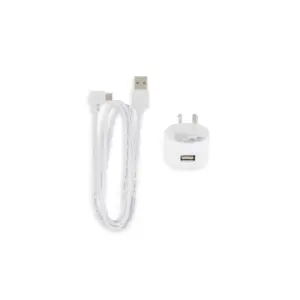
No. Its perovskite solar cells run on indoor light and keep the battery topped up. A USB-C port is there for an optional boost charge.
How long does installation take?
A few minutes. Mount the wall plate, slot the monitor on and scan the QR code to register it.
How often does it report?
Every 15 minutes, to the Monkeytronics app and web portal.
When can I buy one?
AirSmart Solar Max is coming soon. Register your interest and we’ll be in touch.
Coming Soon
Register your interest in AirSmart Solar Max and we’ll be in touch.
Shop AirSmart
Explore our full range of AirSmart and Sensor Node monitors.